
DataQs Roadside Inspection Guide: Correcting CDL Records
A roadside inspection report can follow a driver into FMCSA safety systems long after the truck leaves the inspection lane. If a violation, driver identifier, carrier number or vehicle detail is inaccurate, DataQs provides a formal correction path—but the request succeeds on specific records and evidence, not a general statement that the inspection was unfair.
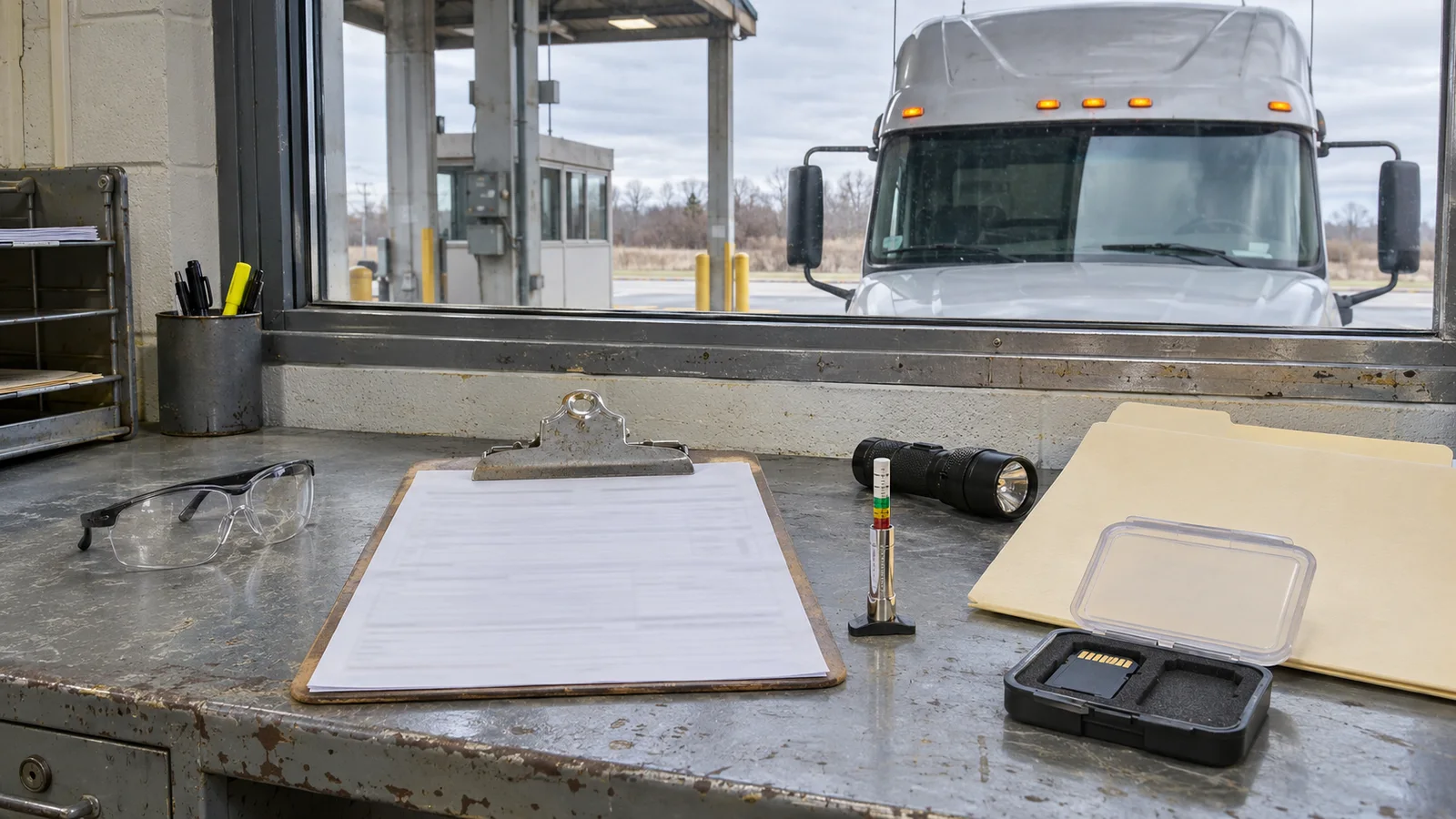
This guide begins after the inspection itself. For inspection levels, documents, ELD presentation and safe conduct at the inspection lane, start with ProntoCDL's CDL roadside inspection guide. Here, the focus is the record: what must happen immediately, which errors DataQs can review, how to build an evidence package and how the enhanced 2026 review process works.
Keep three separate lanes: repair, data correction and citation
The most common mistake is treating every post-inspection problem as one dispute. A driver and carrier may have three parallel duties, and progress in one lane does not automatically finish the others.
| Lane | Question | Required action |
|---|---|---|
| Repair and certification | Was a defect or violation noted on the inspection report? | Correct the condition, complete the carrier certification within 15 days, return the form if the issuing State requests it and retain the required copy |
| DataQs correction | Is information in FMCSA or State safety data inaccurate, incomplete, duplicated or attached to the wrong driver, vehicle or carrier? | File the correct Request for Data Review category with a precise narrative and supporting documents |
| Citation adjudication | Was a ticket issued with an inspection violation? | Use the State court or administrative process for the citation, then submit verifiable adjudication documents through the applicable DataQs category |
FMCSA states plainly that a fixed violation is not the same as an incorrect violation. Repairing a lamp, tire or brake defect does not by itself prove that the inspector recorded a condition that did not exist. Likewise, filing an RDR does not suspend an out-of-service order, erase a repair duty or extend a court deadline.
Complete the immediate inspection-report duties first
Under 49 CFR 396.9, a driver who receives an inspection report must deliver it to the operating motor carrier at the next terminal or facility. If the driver is not scheduled to reach a carrier facility within 24 hours, the report must be transmitted immediately. Intermodal operations may also require delivery to the intermodal equipment provider.
The carrier must examine the report and correct noted violations or defects. Within 15 days after the inspection, the carrier or applicable equipment provider must certify correction on the form, return it if the issuing State requests that return and retain a copy for 12 months. A vehicle marked out of service may not be operated until every repair required by the notice has been satisfactorily completed.
These steps protect safety and compliance while the record is reviewed. Use the post-trip and DVIR guide to connect the inspection findings with maintenance, repair verification and the next driver's pre-trip decision.
Review the report line by line
Make the first comparison while the event is fresh. Do not begin with “remove this inspection.” Identify the exact field, violation or association that is wrong.
- Driver identity: full name, CDL or license number and issuing jurisdiction.
- Carrier identity: legal or operating name and USDOT number.
- Vehicle identity: power-unit and trailer plate, VIN, make, model, year and unit number.
- Event details: inspection date, time, location, level, report number and inspector or agency.
- Violation details: code, unit, component, location, out-of-service status and any related citation.
- Responsibility details: carrier, shipper or intermodal equipment provider information when applicable.
FMCSA says the inspection report number is normally found in the upper-right corner of the report. It is not the citation number. Save a clean scan of the complete report and photograph or copy any reverse side, continuation page and repair certification.
What DataQs can review
DataQs offers multiple inspection request reasons. Selecting the closest reason helps route the issue and frames what the reviewer needs to decide. Current examples include:
- a violation is incorrect, duplicated or missing shipper or intermodal-equipment-provider information;
- the company or USDOT number is wrong;
- the driver name or license number is wrong;
- the inspection is missing from the applicable record;
- the same inspection appears more than once;
- vehicle, inspection-level, location or other report information is inaccurate or incomplete;
- a copy of the inspection report is needed; or
- a citation associated with an inspection violation has an adjudicated result to append.
Do not confuse repeated rows in an SMS download with a duplicated inspection. FMCSA notes that the download may list each violation on a separate row. Compare the inspection number, date, time and underlying report before alleging a duplicate.
Build evidence around the exact disputed fact
A strong evidence package is narrow enough for the reviewer to verify. FMCSA lists State inspection reports, shipping papers and lease agreements among common supporting documents. The best documents depend on the correction requested.
| Disputed item | Useful evidence | Weak approach |
|---|---|---|
| Wrong driver | Inspection report, dispatch assignment, ELD driver record and credential copy with unnecessary personal data redacted | “That was not me” without identifying the actual mismatch |
| Wrong carrier or USDOT number | Lease, trip documents, operating authority records and dispatch records showing control of the movement | A company logo or unsigned note |
| Wrong vehicle or component | VIN and plate records, timestamped photographs, repair order, maintenance history and component-specific measurements | A later repair invoice that does not address whether the original entry was wrong |
| Incorrect violation | Report, contemporaneous photos or video, ELD data, calibration or test records and a short technical explanation tied to the violation code | A general claim that the truck passed a pre-trip |
| Adjudicated citation | Certified court or administrative disposition, or a direct official result from the responsible tribunal | An attorney letter without the official disposition |
Preserve original files. Use working copies for highlighting or redaction, and keep filenames plain: inspection number, document type and date. If the issue involves a tire measurement, for example, connect the specific wheel position, gauge method and photograph rather than attaching a general tire-maintenance folder. ProntoCDL's tire inspection guide explains the federal tread and defect checks that support accurate documentation.
How to submit the inspection RDR
- Coordinate with the carrier. Drivers can file, but the carrier should know that a request is being prepared so the facts and supporting records stay consistent.
- Use the correct account path. Drivers and public users log in through Login.gov. Motor carriers use DataQs through the FMCSA Portal and should validate access to the correct USDOT number.
- Start an Inspection request. Search for the inspection record and use the inspection report number—not the citation number.
- Select the precise reason. Choose the category for the wrong violation, driver, carrier, vehicle data, duplicate record or adjudicated citation.
- Write a factual explanation. Identify the field or violation, state the value currently shown, state the requested correction and point to the exhibit that proves it.
- Upload the evidence. Put the inspection report first, then the smallest complete set of documents needed to verify the claim.
- Review every identifier. Confirm event State, report number, USDOT number, driver and unit information before submitting.
- Save the acknowledgement. Keep the DataQs request ID and assign one person to monitor status, correspondence and deadlines.
Most inspection RDRs go to the State where the event occurred because the agency that entered the data must review and correct it at the source. Selecting the carrier's home State instead of the event State can send the request to the wrong reviewer, although DataQs can forward a misrouted request.
The enhanced 2026 three-stage review process
FMCSA announced in October 2026 that all 50 States, Washington, D.C. and U.S. territories had implemented the revised DataQs framework for inspection and crash RDRs handled by MCSAP-participating jurisdictions. The framework requires three review stages that may be used as needed:
- Initial Review. A denial cannot be decided solely by the issuing officer. The State must open the request within seven days and communicate a decision within 21 days of submission.
- Reconsideration. An independent subject-matter expert who was not part of the initial decision reviews the request. The decision standard is 21 days after escalation.
- Final Review. A senior decision-maker or independent panel performs the final review, with a 45-day decision standard.
A requestor has 30 days after the prior decision to ask for Reconsideration or Final Review. DataQs uses the Re-open Request action for escalation. If entirely new relevant evidence is introduced during an appeal, the request may return to Initial Review so that the new material receives the full process.
These are review standards, not automatic correction deadlines. If the State requests more information, its decision clock pauses while the requestor has 14 days to respond. Read the decision carefully: current policy requires explanations—especially when no correction is made—to identify the evidence reviewed and the next available step.
Citations and inspection violations are related but different
An inspection violation can exist even when no ticket was issued. DataQs does not replace the State tribunal that decides a citation. When a citation associated with an inspection is contested and resolved through due process, the driver or carrier can request that the adjudicated result be appended using the dedicated DataQs reason.
FMCSA's current treatment depends on the result:
- Not guilty or dismissed: excluded from SMS calculations and excluded from the driver's PSP report.
- Convicted of a different charge: SMS severity weight is set to 1 and PSP shows a different-charge conviction.
- Convicted of the original charge: the original severity weight remains and the violation stays on PSP.
- N/A, including abeyance: the original severity weight remains and the violation stays on PSP.
Carrier and enforcement users with authorized access can still view the inspection and appended citation result. Keep court deadlines separate from DataQs deadlines, and obtain legal advice when the citation itself requires representation.
Why drivers should verify the final record
A driver's PSP report generally includes three years of inspection history, so an inaccurate driver association or violation can affect hiring conversations. After DataQs closes the request, save the PDF request record, the decision and the evidence index. Then allow for the applicable system update cycle and verify the corrected information in the system that mattered to the request.
Be accurate on employment materials while a request is pending. The CDL employment application guide explains federal application history, and the safety-performance history guide covers former-employer records and driver correction rights. A pending RDR is not permission to omit a required disclosure.
Practical roadside-record checklist
- Transmit the inspection report to the carrier on time.
- Obey every out-of-service order and complete required repairs.
- Certify corrections within 15 days and retain the required report copy.
- Compare the complete inspection record with driver, carrier, vehicle and trip documents.
- Use the inspection report number, not the citation number, in DataQs.
- Choose the request reason that matches the exact error.
- Submit original, verifiable evidence with a short exhibit-based explanation.
- Monitor DataQs and answer information requests within 14 days.
- Escalate within 30 days if Reconsideration or Final Review is justified.
- Verify the later SMS or PSP update and retain the final decision.
Roadside inspection DataQs FAQ
Can a CDL driver file a DataQs request about a roadside inspection?
Yes. FMCSA says commercial drivers, motor carriers and public users may register for a free DataQs account and submit a Request for Data Review. Drivers use Login.gov, while validated carriers generally enter through the FMCSA Portal.
Does repairing a defect remove the inspection violation?
No. FMCSA distinguishes a corrected defect from an incorrectly recorded violation. Required repairs and carrier certification must still be completed, but a DataQs correction requires evidence that the data was inaccurate, incomplete, duplicated or otherwise entered incorrectly.
Is the inspection report number the same as the citation number?
No. FMCSA says the inspection report number is usually in the upper-right corner of the inspection report and is not the citation number. Use the inspection report number when locating the inspection record in DataQs.
How long does a State have to decide an inspection RDR?
Under the enhanced process effective in 2026, a State must open an initial request within seven days and communicate an initial decision within 21 days. Reconsideration has a 21-day decision standard and Final Review has a 45-day standard. A request for more information pauses the review clock.
What happens if DataQs asks for more information?
The request changes to a pending-requestor-response status. FMCSA says the requestor has 14 days to respond. The State review clock pauses during that response period, so monitor the request and upload the requested material promptly.
Can a dismissed citation change the associated inspection violation?
An adjudicated citation result can be appended through DataQs with verifiable court or administrative documentation. FMCSA says a not-guilty or dismissed result is excluded from SMS calculations and the PSP report, although enforcement and carrier users can still see the inspection and appended result in authorized systems.
Continue with the roadside inspection readiness guide, the crash preventability DataQs guide and the ELD malfunction guide.