
FMCSA Crash Preventability Review: A DataQs Guide for CDL Drivers
A reportable crash can appear in federal safety data even when the commercial driver could not reasonably have prevented it. FMCSA's Crash Preventability Determination Program gives drivers and motor carriers a structured way to request review of 21 eligible crash types through DataQs—but a persuasive request starts with evidence preserved at the scene, not with a brief explanation written weeks later.
The program is useful, but it is often misunderstood. CPDP does not erase every trace of a crash, replace the police investigation, settle an insurance dispute or change the driver's duty to respond safely after a collision. It reviews whether an eligible crash was preventable for specific FMCSA safety-data purposes.
Start with ProntoCDL's post-crash response guide for scene protection, testing triggers, records and return-to-service decisions. This article begins after immediate safety and reporting duties are under control.
What a CPDP determination changes
FMCSA reviews the submitted evidence and closes an eligible request with one of three determinations: Not Preventable, Preventable or Undecided. Eligibility is only the first gate; it does not promise a favorable result.
| Outcome | FMCSA display and calculation | Practical meaning |
|---|---|---|
| Not Preventable | Shown in a separate SMS table; excluded from the carrier's Crash Indicator BASIC; noted on the driver's PSP | The evidence supported that the crash was not preventable for CPDP purposes |
| Preventable | Displayed with a Reviewed - Preventable notation and included in the Crash Indicator BASIC | FMCSA concluded the submitted record supported preventability |
| Undecided | Displayed as Reviewed - Undecided and included in the Crash Indicator BASIC | The evidence did not support a conclusive preventability decision |
A Not Preventable determination does not make the crash vanish. It changes how FMCSA presents and calculates the event in these systems. CPDP determinations also do not alter a safety rating, create penalties by themselves or replace separate preventability findings made during an FMCSA safety investigation.
Which crashes are eligible?
For crashes occurring on or after December 1, 2024, FMCSA accepts 21 crash types. The categories include several common situations:
- the CMV was struck in the rear, on the side at the rear or on the side by a motorist traveling in the same direction;
- another motorist drove the wrong way, made an illegal turn, failed to stop, failed to slow or entered from a private drive or parking lot;
- the CMV was legally stopped or parked when struck;
- another motorist was impaired, distracted, asleep, medically affected or lost control;
- the CMV was struck by cargo, equipment, debris or an infrastructure failure;
- the CMV struck an animal or was involved with a non-motorist;
- a rare or unusual crash occurred; or
- another crash type is shown by video to have been not preventable.
The final video category is not a substitute for a better-fitting category. FMCSA says it is reserved for a crash that does not meet one of the other 20 types but is clearly shown by video to have been not preventable. If a request is submitted under the wrong category, FMCSA may move it to a qualifying one. A crash that fits none of the categories is closed as not eligible.
Crashes before December 1, 2024 follow the earlier eligibility rules, and FMCSA does not review crashes more than five years old. Check the current FMCSA CPDP page rather than relying on an old checklist.
Preserve evidence before it disappears
The strongest submission usually begins with a disciplined carrier procedure immediately after the crash. Driver safety, emergency response and law-enforcement instructions come first. Once it is lawful and safe, preserve material that shows the sequence rather than only the final resting positions.
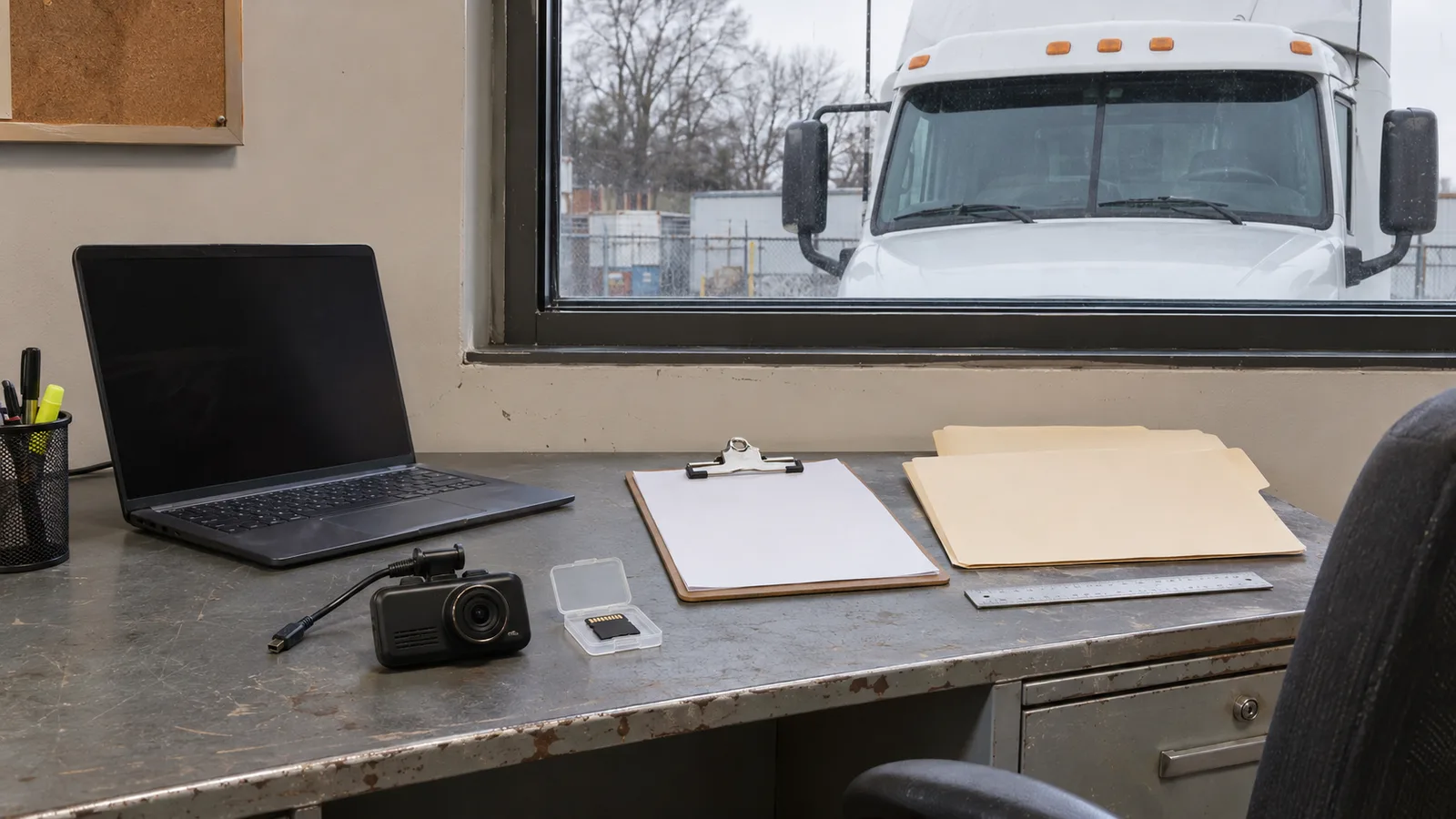
- Protect original video. Remove the dashcam card under the carrier's procedure, lock the relevant clip and make a verified working copy. Do not overwrite the original.
- Photograph context. Capture vehicle positions, lanes, traffic controls, sight lines, debris, skid marks, damage contact points and weather conditions without entering traffic or disturbing evidence.
- Record exact identifiers. Preserve the crash-report number, date, time, location, unit numbers, investigating agency and responding officer information.
- Save operational records. Retain dispatch messages, ELD data, telematics, bills of lading, inspection records and any maintenance evidence relevant to the event.
- Keep statements factual. Separate what the driver directly saw or heard from assumptions about another person's motive or condition.
Do not edit a video in a way that hides context. For the upload, FMCSA asks for only the relevant footage rather than hours of unrelated driving, but the carrier should preserve the complete original according to its legal and retention procedures.
What FMCSA requires in DataQs
A police accident report is mandatory. FMCSA says a request without one will be immediately closed as not eligible. For a fatal crash, the carrier must also submit the applicable U.S. DOT drug- and alcohol-testing results or the required documentation explaining why testing did not occur within the required timeframes.
The burden is on the submitter to provide compelling evidence that the crash is eligible and not preventable. FMCSA encourages supporting video, photographs and court documents. The current upload limit is 25 MB per file, so select the relevant segment and compress a working copy without destroying the original evidence.
The crash must also exist in FMCSA's Motor Carrier Management Information System before it can be selected for CPDP review. If the State has not yet submitted the record, DataQs allows the request to be saved and completed after the record appears.
How to build a clear request
- Confirm eligibility. Match the actual event to FMCSA's current category language and eligibility guide.
- Coordinate the record. Drivers and carriers may submit, but the company safety contact should know who owns the request and which evidence set is authoritative.
- Log in through the correct path. Drivers and public users use DataQs with Login.gov; motor carriers access DataQs through the FMCSA Portal.
- Select the crash record. Search carefully using the correct event and report identifiers.
- Write a short chronology. State the traffic position, movements, control devices, contact sequence and why the CMV driver could not have avoided the event.
- Upload the police report first. Then add the most probative video, photos and documents with plain filenames.
- Review every claim. Make sure dates, directions, lane numbers and vehicle descriptions agree across the narrative and exhibits.
- Save the confirmation. Record the RDR number and assign a person to monitor DataQs.
A good chronology is specific without becoming argumentative. “Unit 2 traveled behind the CMV in lane 2 and contacted the center of the trailer's rear plane while the CMV was stopped for queued traffic” is more useful than “the other driver was obviously reckless.” Let the documents and video carry the conclusion.
Status, timing and requests for more information
DataQs shows the request as Submitted, In Review, Pending: Requestor Response or a closed status. If FMCSA requests another document, a failure to respond within 14 days can produce a Closed: No Requestor Response result.
As of November 14, 2026, FMCSA's program page says CPDP requests are taking an average of about 90 days because of high submission volume. That is not a guaranteed decision date. After a determination, FMCSA says the result is posted to SMS and PSP within 60 days.
If a carrier receives a Preventable or Undecided determination, it may reopen the RDR and submit additional documentation. Reopening without new information will not change the outcome. Treat the first submission as the best opportunity: organize the evidence, resolve inconsistencies and explain the sequence clearly before clicking submit.
Why the driver should care
A Not Preventable notation can provide useful context when a prospective employer reviews a PSP record. It does not replace an accurate job application, an honest interview explanation or the carrier's qualification process. ProntoCDL's commercial-driver application guide explains the required accident and employment-history disclosures, while the safety-performance history guide covers former-employer records and correction rights.
The driver should keep a personal, lawful copy of the police report, the RDR confirmation, the evidence index and the final determination. Do not keep confidential carrier or customer data without authorization, and do not post crash footage publicly while an investigation, insurance claim or legal matter is active.
Practical CPDP checklist
- Protect people and the scene before thinking about the federal record.
- Preserve original dashcam, ELD and telematics data immediately.
- Obtain the police accident report; it is required for the RDR.
- Match the event to one of the current eligible crash types.
- Use one accurate chronology across the narrative and exhibits.
- Upload only relevant, legible evidence and keep the unaltered originals.
- Monitor DataQs and answer document requests before the stated deadline.
- Save the decision and verify the later SMS or PSP notation.
- Keep CPDP separate from insurance, employment and legal-fault questions.
Crash preventability FAQ
Can a CDL driver submit a Crash Preventability RDR, or must the carrier submit it?
FMCSA says motor carriers and drivers may submit Crash Preventability Determination Program requests through DataQs. Coordinate first so the carrier and driver preserve the same evidence and do not create conflicting accounts.
Is a police accident report required for a CPDP request?
Yes. FMCSA requires the police accident report. A request without it is immediately closed as not eligible. Other evidence can strengthen the request but does not replace the report.
Does a rear-end crash automatically receive a Not Preventable decision?
No. Being struck in the rear is an eligible crash type, but eligibility only opens the review. The submitter must provide evidence showing the crash fits the category and was not preventable by the commercial driver.
Will a Not Preventable crash disappear from every FMCSA record?
No. FMCSA continues to display it in a separate Reviewed - Not Preventable table. It is excluded from the carrier Crash Indicator BASIC calculation, and the Not Preventable determination is noted on the driver’s PSP record.
How long does an FMCSA crash preventability review take?
FMCSA’s current program page says requests are taking an average of about 90 days because of submission volume. That is an average, not a guaranteed deadline. DataQs shows each request’s current status.
Can a Preventable or Undecided determination be reconsidered?
Yes. FMCSA says a carrier may reopen the DataQs request and submit additional documentation. Reopening without new information results in the request being closed again without a change.
Continue with the post-crash response guide, the CMV emergency-equipment checklist and the annual MVR review guide.